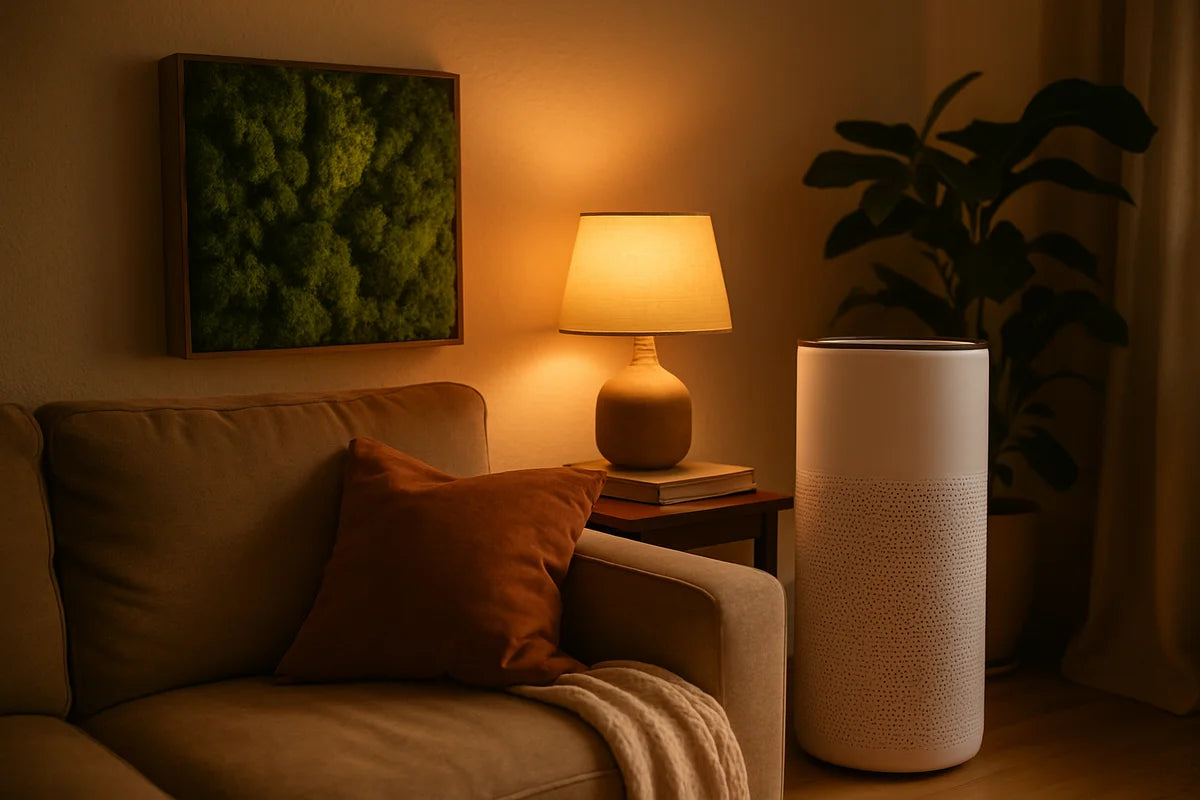
Remote work can shrink your commute to a ten-step walk. That’s a win. But it can also grow your home’s energy use, create more e-waste, and leave you sitting in bad light on a chair that hurts your back.
Setting up an eco-friendly home office for remote work isn’t about buying a room full of “green” products. It’s about smart choices: use less power, pick safer materials, improve air quality, and buy fewer things that break fast. The bonus is real: a calmer space, lower bills, and gear that lasts.
Start with what you already have
The most sustainable desk is the one that’s already in your home. Before you shop, take stock. What can you reuse, repair, or move?
- Repurpose a dining table as a desk while you test your setup.
- Raise your laptop with a stack of sturdy books until you decide on a stand.
- Use a pillow or rolled towel as a temporary lumbar support.
- Re-route existing lamps and power strips instead of adding new ones.
This step sounds basic, but it prevents rushed buys. Many “eco” products still come with shipping, packaging, and a short life span. A few days of testing helps you buy once and buy right.
Choose the right spot for light, heat, and focus
Where you work affects your energy use more than most gadgets. A desk shoved into a dark corner will push you to run lamps all day. A sunny window might cut lighting needs but raise room temps in summer.
Use daylight without roasting your room
Place your desk near a window so you can work with natural light for part of the day. Then control glare and heat with simple fixes:
- Hang light-colored curtains or blinds to soften harsh sun.
- Angle your screen so the window sits to the side, not behind you.
- Add a small rug if the room feels cold, instead of cranking the heat.
If you want a deeper look at saving energy at home, the U.S. Department of Energy’s Energy Saver guide has clear, practical tips that apply to home offices too.
Pick a location that reduces “background waste”
Try not to work in a space where you’ll heat or cool an entire floor just for one desk. A smaller room with a door can be easier to keep comfortable. If you can’t choose, use zone habits instead:
- Close vents in unused rooms (only if your HVAC system allows it).
- Shut doors to hold heat in winter.
- Use a fan before you touch the thermostat.
Furniture that’s lower waste and easier on your body
An eco-friendly home office for remote work should support your body. Pain leads to quick “replacement buys,” and that creates more waste. Aim for comfort first, then materials and sourcing.
Desk options that don’t cost the planet
Look for solid wood, metal, or well-made plywood over cheap particleboard that swells and cracks. Better yet, buy used.
- Check local resale listings, thrift stores, office liquidations, and university surplus.
- Ask your employer about used furniture from closed offices.
- Choose a desk you can disassemble and move without damage.
If you do buy new, look for brands that publish material details and avoid mystery “engineered wood” with heavy chemical smells. Certifications can help, but your nose and common sense matter too.
Chair upgrades that cut waste
A good chair is often the best long-term buy in a home office. If you can’t afford a high-end model, consider used ergonomic chairs. Many are built to last and have replaceable parts.
- Look for adjustable seat height, back support, and arm height.
- Try before you buy when possible.
- Check whether the brand sells replacement casters, arms, or cushions.
For a quick ergonomic baseline, Cornell University’s ergonomics resources break down desk and chair setup in plain language.
Cut energy use without making work harder
Your computer setup can run for eight to ten hours a day. Small changes add up fast.
Use power settings like you mean it
Start with the free stuff:
- Set your computer to sleep after 10 to 15 minutes of inactivity.
- Turn off your monitor when you step away.
- Lower screen brightness to a comfortable level, not max.
- Shut down at the end of the day if you don’t need overnight updates.
If you want to track what your devices use, tools like the ENERGY STAR office equipment guidance can help you pick efficient gear when it’s time to replace something.
Switch to LED lighting and place it well
LED bulbs use less power and last longer than old bulbs. But placement matters as much as the bulb.
- Use a desk lamp for task light instead of lighting the whole room.
- Choose a warm or neutral tone that doesn’t strain your eyes.
- Aim light at your work surface, not straight into your eyes.
Stop “vampire power” at the source
Many devices draw power even when off. A simple fix is a quality power strip that you switch off at night.
- Plug your monitor, speakers, and chargers into one switchable strip.
- Keep your router on a separate outlet if you need it for smart home or security.
- Unplug backup chargers you rarely use.
If you’re curious about standby power and how to reduce it, the National Renewable Energy Laboratory publishes research and explainers on home energy topics.
Cleaner air for clearer thinking
Remote work means you breathe your indoor air for more hours. Dust, cooking fumes, and off-gassing from new furniture can build up, especially in a small room.
Ventilate first, then filter
The greenest air fix is often fresh air. Open a window for a few minutes, especially after cooking, cleaning, or unboxing new items.
For indoor air basics and practical steps, the EPA’s indoor air quality pages are a solid starting point.
If you buy an air purifier, choose one carefully
A purifier can help if you have allergies, wildfire smoke, or a room with poor airflow. But don’t buy a random box and hope.
- Look for a true HEPA filter and a CADR rating that fits your room size.
- Check filter cost and how often you’ll replace it.
- Avoid ozone-generating “ionizers” for daily use.
For testing-based advice, Wirecutter’s air purifier research does a good job explaining what matters and what’s just marketing.
Use low-tox basics for cleaning
You don’t need a shelf of scented sprays. Many strong fragrances add irritation without adding clean.
- Use a damp microfiber cloth to trap dust instead of pushing it around.
- Choose unscented or lightly scented cleaners.
- Spot clean spills fast so you don’t need harsh products later.
Eco-friendly tech choices that still perform
Tech creates the biggest footprint when you buy and replace it, not when you use it for a year. The goal is longer life, fewer upgrades, and smarter repairs.
Keep devices longer with a simple maintenance routine
- Blow dust out of laptop vents (carefully) so it runs cooler.
- Use a surge protector to reduce damage risk.
- Replace a battery instead of replacing the whole device when you can.
- Don’t store electronics in hot rooms or direct sun.
If you want repair-friendly options or guides, iFixit’s repair resources can help you decide whether a fix is simple or not worth the trouble.
Right-size your setup
More screens and more gear can help, but they also pull more power and cost more to make. Build around your real work.
- If you mostly write and join calls, a laptop plus one efficient monitor is often enough.
- If you edit video or design, invest in a capable machine that you’ll keep longer.
- Choose wired accessories when possible. They avoid battery waste and often last longer.
Buy refurbished when it makes sense
Refurbished laptops, monitors, and docks can cut cost and reduce demand for new manufacturing. Look for sellers that offer a real warranty and clear grading.
- Check return terms before you buy.
- Ask about battery health for laptops.
- Factor in energy use if the device is much older.
Waste less with smarter supplies
Office supplies look small, but they pile up fast. A more eco-friendly home office for remote work usually has fewer items, not “greener” versions of everything.
Paper habits that actually cut use
- Default to digital notes for daily work.
- Print only when you need to review long documents or sign forms.
- When you print, use double-sided mode and draft quality for internal use.
If you do keep paper around, store one small tray or folder and stop there. The limit keeps clutter down and makes you think before printing.
Refill, reuse, and pick supplies that last
- Use refillable pens or buy refills when available.
- Choose a notebook you’ll finish, not three you’ll start.
- Skip single-use wipes and paper towels for desk cleaning.
Make video calls greener without getting weird about it
Streaming and video calls use energy in data centers and networks. You can’t control that whole system, but you can make small choices that add up.
- Turn off video when you don’t need it, like in large meetings.
- Use headphones so you can keep speaker volume lower.
- Close extra browser tabs and apps to reduce load on your device.
These tweaks also help your computer run cooler and last longer, which is often the bigger win.
Comfort upgrades that don’t add clutter
A home office that feels good keeps you from chasing “fixes” in the form of random buys. Focus on a few high-impact changes.
Sound and focus with simple materials
- Add a rug or curtain to cut echo if your room sounds harsh.
- Use a door draft stopper to reduce hallway noise.
- Try a free white noise app before buying a device.
Heat and cold without blasting HVAC
- Wear warm layers and use a lap blanket in winter.
- Use a small fan near you in summer before lowering the whole-house temp.
- If you buy a space heater, pick one with safety shutoff and use it with care.
Where to start this week
You don’t need a full redesign. Pick a short list, do it well, then adjust.
- Move your desk to use daylight and reduce glare.
- Set sleep and brightness settings on your computer and monitor.
- Put your gear on a switchable power strip and turn it off at night.
- Improve air with a daily ventilation habit, then decide if you need a purifier.
- Upgrade one pain point (chair support, lighting, or monitor height) with a used or repairable option.
Over time, your eco-friendly home office for remote work becomes less about a one-time setup and more about a steady standard. When something breaks, repair it if you can. When you must replace it, buy the version you can live with for years. That’s how a work-from-home space gets cleaner, cheaper to run, and easier to work in as your needs change.