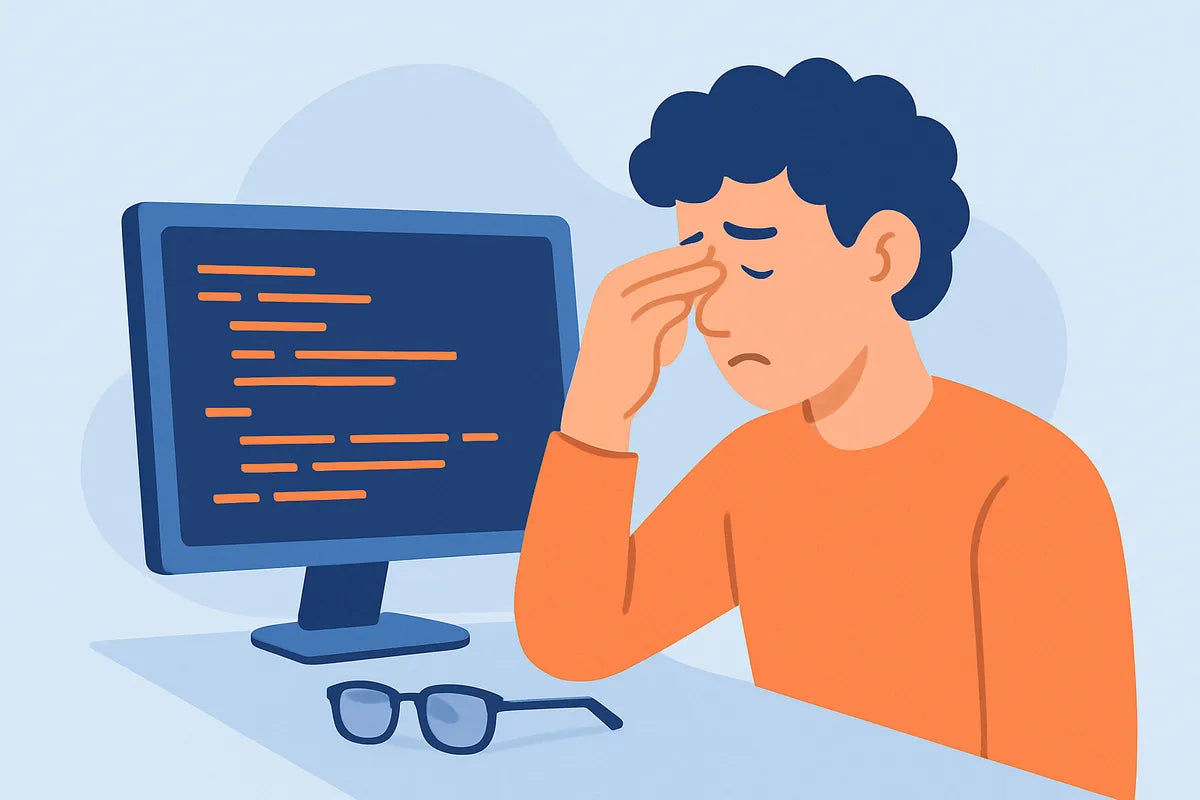
How to Reduce Eye Strain While Coding: Practical Tips for Developers and Everyday Users
Spending long hours in front of a monitor can take a toll on your eyes. If you’ve ever felt your vision blur or your eyes ache after coding all day, you’re not alone. This is known as digital eye strain, or more technically, computer vision syndrome. Whether you’re a developer, writer, or gamer, learning how to reduce eye strain from screens is essential for long-term eye health. In this guide, we’ll explore what causes eye strain while coding, and share practical ways to protect your eyes while programming using proven methods like the 20-20-20 rule, blue light filters, and better ergonomics.
Understanding What Causes Eye Strain While Coding for Long Hours

Overexposure to Screens and Focusing Fatigue
Eye strain while coding often comes from intense focus on small text or lines of code for hours at a time. Your eyes constantly adjust between bright pixels and tiny fonts, leading to fatigue. This repetitive focusing effort is one of the main triggers of computer vision syndrome. Over time, the muscles in your eyes tire out, much like your hands cramp after typing too long.
Brightness, Contrast, and Ambient Lighting in the Workspace
Improper screen settings and poor ambient lighting in your workspace can worsen digital eye strain. When your monitor is much brighter or dimmer than your surroundings, your eyes must work harder to adapt. Glare from overhead lights or windows also increases discomfort. Balancing screen brightness and contrast with your environment is key to keeping your eyes relaxed.
Dry Eyes and Blinking Less While Coding
When concentrating, people tend to blink less—sometimes up to 60% less than normal. This causes dry eyes, blurred vision, and irritation. Developers can combat this by taking regular breaks, consciously blinking more, or using artificial tears or eye drops throughout the day to maintain moisture.
Improper Monitor Distance and Height
Eye strain isn’t caused only by the screen itself but also by your setup. Placing your monitor too close or too high forces your eyes and neck into unnatural positions. Experts recommend keeping the monitor about an arm’s length away, with the top of the screen at or slightly below eye level. Combined with proper posture and ergonomics, this helps prevent both visual and muscular fatigue.
How to Reduce Digital Eye Strain Specifically When Programming All Day

Adjust Screen Settings and Use Blue Light Filters
To protect your eyes while programming, start with your display. Most modern systems include a blue light filter or “night shift” mode. Blue light contributes to eye fatigue and can disrupt sleep. Using a blue light filter during long sessions helps reduce strain. You can also install third-party tools like f.lux or adjust settings manually for a warmer tone.
Switch Between Light Mode and Dark Mode
Testing both night mode and dark mode can make a difference depending on your environment. Dark mode may reduce glare in dim spaces, while light mode can be easier to read in bright rooms. The key is consistency—don’t switch too often, and always pair your choice with balanced brightness and ambient lighting.
Choose the Right Monitor
Investing in a flicker-free monitor with a high refresh rate (at least 75Hz or higher) can ease your eyes during extended coding sessions. Flickering from older or cheaper monitors, even if not visible, can trigger headaches and discomfort. A high refresh rate monitor ensures smoother visuals and less strain during scrolling or animation-heavy work.
Improve Font Size and Text Readability
Small fonts and poor color contrast are a hidden cause of discomfort. Increasing your font size, choosing readable fonts like Consolas or Fira Code, and adjusting your IDE theme for better text readability all help reduce eye strain from screens. You can also tweak line spacing and syntax coloring for greater visual comfort.
Maintain Proper Posture and Ergonomics
Good ergonomics go hand in hand with eye comfort. Sit upright with your back supported, feet flat on the floor, and your monitor at the right height. This position keeps your eyes aligned with the screen, reduces neck strain, and improves focus. Ergonomic chairs and adjustable monitor stands can make a big difference for developers who spend 8+ hours at their desks.
How the 20-20-20 Rule Works and How Often to Use It While Coding

What the 20-20-20 Rule Is
The 20-20-20 rule is a simple but effective way to reduce digital eye strain. Every 20 minutes, look at something at least 20 feet away for 20 seconds. This gives your eye muscles a break from constant close-up focus and helps prevent fatigue and dryness.
How to Apply It in Your Coding Routine
Set a reminder or use a timer app to prompt you every 20 minutes. You can glance out a window, look down a hallway, or focus on a distant object. These micro-breaks add up, keeping your eyes fresh. Some developers even combine the 20-20-20 rule with brief posture stretches to maintain circulation and alertness.
Why It Works for Developers
According to Harvard Health, frequent breaks help reset focus and restore blinking rate, which drops significantly during screen use. The 20-20-20 rule not only reduces computer vision syndrome symptoms but also boosts concentration and productivity. It’s a small habit that delivers long-term benefits for anyone who codes daily.
Best Monitor and Display Settings to Reduce Eye Strain

Screen Brightness and Contrast
Your monitor’s brightness and contrast should match your workspace lighting. If your screen glows brighter than your surroundings, your pupils contract constantly, leading to fatigue. Conversely, too dim a screen makes you squint. Adjust brightness so that white backgrounds appear similar to a sheet of paper under the same lighting. Moderate contrast levels keep text sharp without harsh edges.
Color Temperature and Blue Light Reduction
Color temperature affects comfort as much as brightness. A cooler (bluer) tone is fine for daylight hours, while a warmer tone suits evenings. Many monitors and operating systems let you schedule automatic adjustments. Using blue light filters or software that shifts color temperature at night helps protect your eyes and supports better sleep patterns.
Refresh Rate and Flicker-Free Displays
A flicker-free monitor with a high refresh rate minimizes subtle flashing that can trigger headaches. If you spend long hours coding, choose a monitor certified as flicker-free. Check reviews or specifications before purchasing. The DisplayNinja guide offers a clear explanation of how these technologies reduce eye strain during extended screen time.
Optimizing Font Size and Text Readability
Don’t underestimate font size. Increasing your default IDE or terminal font reduces squinting and tight focusing. Aim for a size that allows you to read code comfortably without leaning forward. Adjusting color contrast between text and background can also prevent glare. Some developers prefer off-white themes or slightly tinted backgrounds for long sessions.
Does Using Dark Mode or Light Mode Actually Help with Eye Strain for Developers?

Dark Mode Benefits and Limitations
Dark mode can reduce glare in dim environments and may feel easier on the eyes at night. It lowers overall screen brightness, which can help reduce eye strain from screens. However, dark text on light backgrounds often provides better readability in bright settings. Developers should choose based on their workspace lighting and personal comfort.
When to Use Light Mode
Light mode works better during the day or in well-lit offices. It provides higher contrast and better legibility for long coding sessions. If your workspace has strong ambient lighting, light mode prevents your pupils from constantly dilating and contracting, reducing fatigue. The key is to pair your mode with consistent lighting and proper brightness levels.
Combining Modes with Blue Light Filters
Some developers use dark mode at night and light mode during the day, with automatic blue light filters adjusting color temperature. This hybrid approach helps maintain comfort across different conditions. Whether you prefer light or dark mode, remember that consistent lighting and screen calibration matter more than the theme itself.
Practical Steps to Protect Your Eyes While Programming

Use Computer Glasses or Blue Light Glasses
Specialized computer glasses or blue light glasses can filter out part of the high-energy visible light that contributes to digital eye strain. They’re especially useful if you work under fluorescent lights or spend long hours coding after sunset. While not a cure-all, they can complement other methods like the 20-20-20 rule or screen filters.
Keep Your Eyes Moist with Artificial Tears
If your eyes feel gritty or dry, use artificial tears or eye drops recommended by an optometrist. Avoid redness-relieving drops; instead, choose lubricating formulas. Keeping a small bottle at your desk can help maintain comfort throughout the day. Regular hydration and blinking consciously also support natural tear production.
Schedule Regular Eye Exams for Developers
Even with perfect habits, regular eye exams are essential. An optometrist can detect early signs of strain, dryness, or vision changes linked to computer use. According to the CDC’s vision health resources, adults who use screens heavily should schedule eye exams every one to two years. Early detection keeps small issues from becoming chronic problems.
Fine-Tune Your Workspace Lighting
Adjust ambient lighting to complement your screen. Avoid harsh overhead lights or sunlight reflections on your monitor. Use adjustable lamps with soft, indirect light. Position your monitor perpendicular to windows to reduce glare. Balanced lighting eases your eyes and helps maintain focus longer.
Conclusion: Making Eye Care a Habit for Developers

Reducing eye strain while coding isn’t about one big change—it’s about building small, consistent habits. Adjust your monitor distance and height, apply the 20-20-20 rule, keep brightness balanced, and use blue light filters or computer glasses when needed. Remember to blink often, hydrate your eyes, and schedule regular checkups. With these steps, you can protect your eyes while programming and keep your vision sharp for years of productive coding.
For more in-depth guidance, see All About Vision’s guide to computer vision syndrome or check out Developer Health’s ergonomics tips for programmers. Your eyes are one of your most valuable tools—take care of them every day.