Working from home can feel like freedom until the distractions pile up. A bad chair makes your back ache. Glare on your screen gives you headaches. Laundry starts calling your name. The good news: setting up a home office for better productivity isn’t about buying fancy gear. It’s about making small, smart choices that reduce friction and help you focus.
This article walks you through those choices step by step. You’ll learn how to pick the right spot, set up your desk for comfort, manage noise and light, and build simple routines that keep your workday on track.
Start with the space: pick a spot your brain can “clock in” to

Your home office doesn’t need its own room, but it does need clear boundaries. When you work in the same place you relax, your brain gets mixed signals. A dedicated work zone helps you shift into work mode faster and shut off at the end of the day.
Choose the best location you have
- Pick the quietest area you can, even if it’s a corner of a bedroom or dining room.
- Avoid high-traffic paths (near the fridge, front door, or hallway).
- If you take calls, test the echo and background noise before you commit.
If you share your space, set a simple rule: when headphones are on, you’re “at work.” If you can add a screen or bookshelf as a divider, even better.
Set boundaries with sightlines
What you see affects what you do. Face a wall or a calm view instead of the TV, sink, or messy shelf. If that’s not possible, keep a small “clean zone” in your field of view: a tidy desk surface and one calming item (a plant, a lamp, a notebook).
Get the ergonomics right: comfort drives focus
Pain kills productivity. It also sneaks up on you. A sore neck or tight shoulders will steal your attention all day. You don’t need a perfect ergonomic setup, but you do need a few basics.
Chair first, then desk
If you spend money anywhere, spend it on the chair. Look for stable support and a seat height that lets your feet rest flat on the floor (or on a footrest). Your knees should sit about level with your hips.
For practical guidance on workstation posture and setup, NIOSH’s ergonomics resources explain core principles in plain terms.
- If your chair is too high, use a footrest or a sturdy box.
- If your lower back aches, add a small lumbar cushion or rolled towel.
- If your chair has armrests, set them so your shoulders stay relaxed.
Set your screen height to reduce neck strain
Put the top of your monitor close to eye level. If you use a laptop, a stand helps a lot. Pair it with an external keyboard and mouse so your arms stay in a natural position.
- Keep the screen about an arm’s length away.
- Center the screen straight ahead, not off to one side.
- If you use two screens, put the main one directly in front of you.
Fix the “little pain” problems early
Wrist pain, dry eyes, and tight hips don’t sound dramatic, but they drain energy. Use small prompts to reset your body. You can set a timer, or use a built-in reminder on your phone.
The Mayo Clinic’s office ergonomics tips are a solid quick reference if you want a checklist.
Light, noise, and air: the hidden drivers of output
When people talk about setting up a home office for better productivity, they often focus on furniture. The environment matters just as much. Light affects alertness. Noise affects stress. Air quality affects how you feel at 3 p.m.
Use light on purpose
Natural light helps, but glare hurts. Place your desk so daylight comes from the side, not straight into your eyes and not directly behind your screen.
- If your screen reflects a window, shift the desk angle by 10-20 degrees.
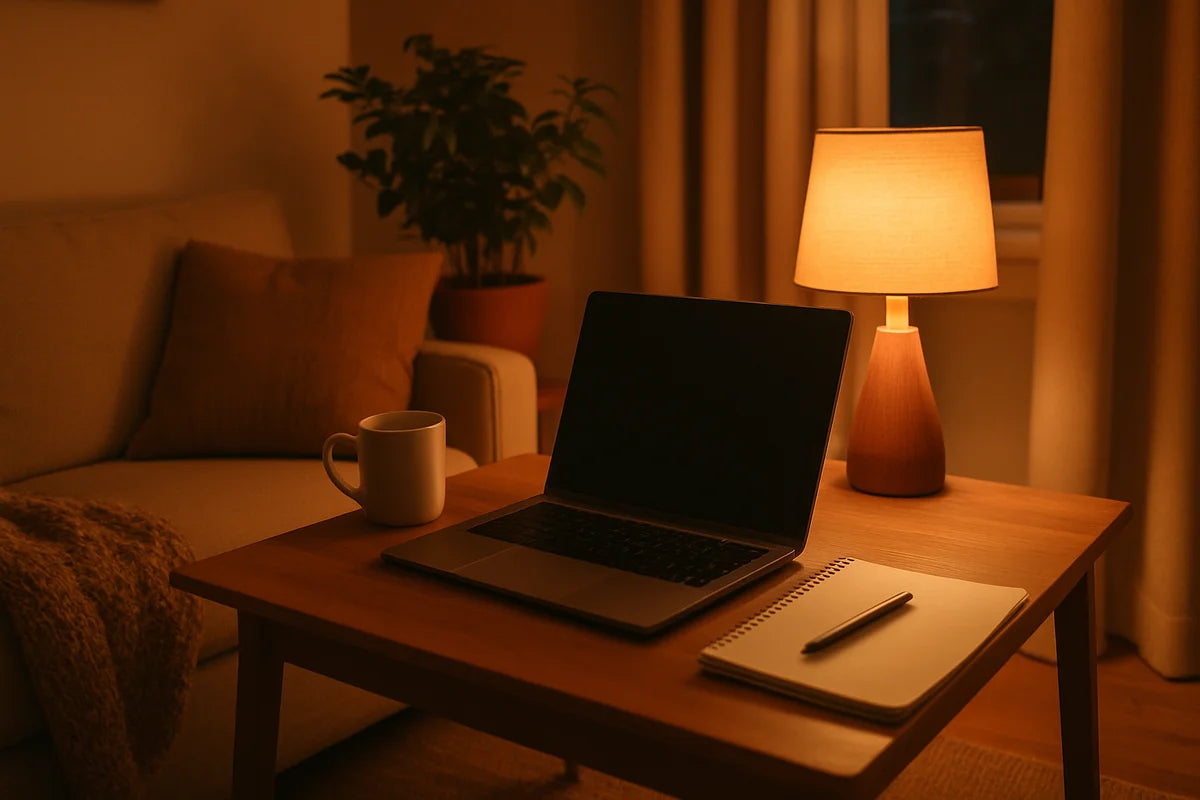
- Use a desk lamp for task lighting so you don’t strain in the evening.
- Pick a bulb with a neutral tone if your lighting feels too harsh or too dim.
If you want deeper guidance on glare and lighting levels, workplace design articles on ArchDaily often cover practical layout ideas that translate well to small home setups.
Control noise without starting a war at home
Silence is rare at home. Aim for steady sound, not perfect quiet.
- Use closed-back headphones for focus blocks.
- Try a white noise app if sudden sounds throw you off.
- Add soft materials (a rug, curtains) to reduce echo in hard rooms.
If you’re in meetings, test your mic. A cheap USB mic or headset often beats a laptop mic, especially in a room with bare walls.
Don’t ignore air quality and temperature
Stale air makes you sluggish. So does a room that’s too warm. If you can open a window, do it. If you run HVAC, change filters on schedule. The EPA’s indoor air quality guidance gives clear steps for reducing common indoor pollutants.
- Keep a small fan nearby if your room runs hot.
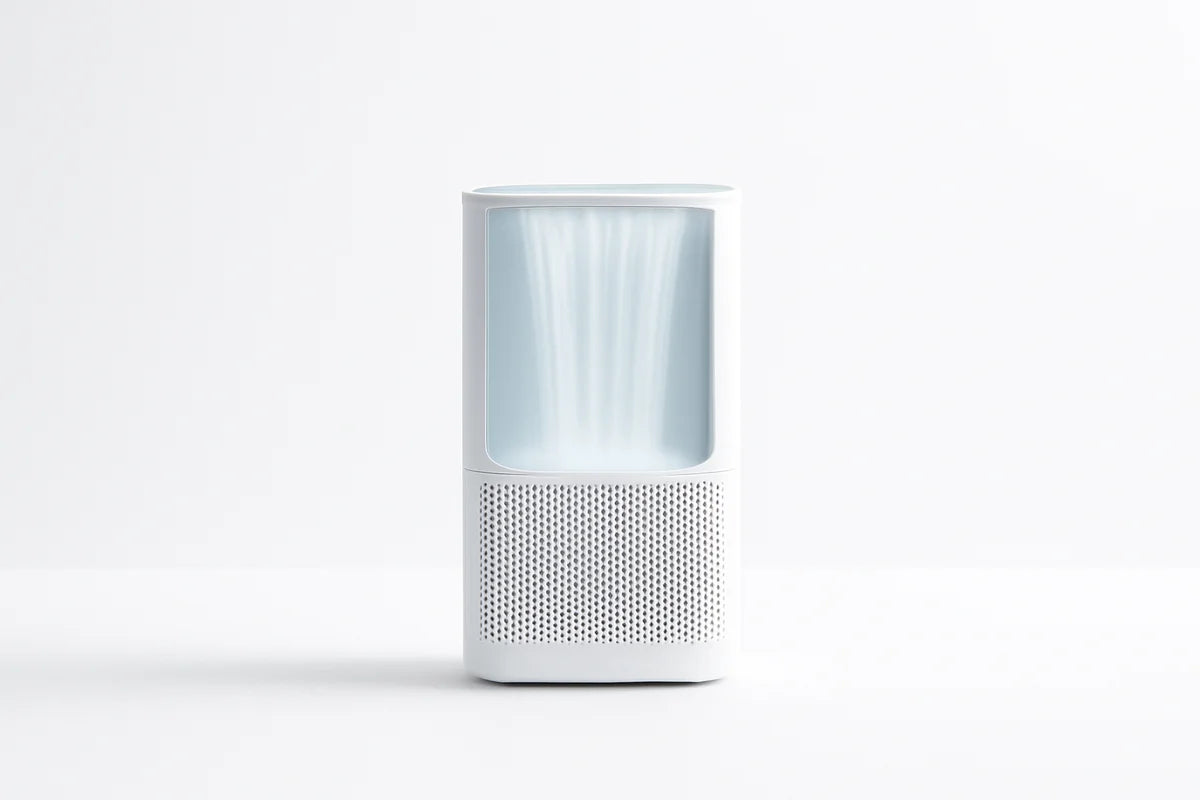
- If allergies hit, consider a HEPA air purifier sized for your room.
- Take one “air break” a day: step outside for 2-5 minutes.
Desk layout: reduce clicks, reaches, and tiny delays
Your desk setup should make the next action easy. The goal is less searching, less reaching, and fewer excuses to get up and drift into a different task.
Use zones: work zone, reach zone, storage zone
- Work zone: keyboard, mouse, notebook, water. Keep it clear.
- Reach zone: phone, charger, pen cup, headset. One arm’s reach.
- Storage zone: spare cables, papers, tools. Off the desk if possible.
A clean surface doesn’t need to look pretty. It needs to reduce decisions. When your desk fills up, you waste attention just deciding where to put your hands.
Pick one system for paper and stick to it
Paper becomes clutter fast. Use a simple rule: everything paper goes into one of three places.
- Action: needs work this week.
- Reference: keep for later.
- Recycle: done or not needed.
A cheap set of letter trays works. So does a folder system in a drawer. The best system is the one you’ll actually use at 4:55 p.m. when you’re tired.
Tech setup: stable, simple, and secure
Tech problems break your flow. They also steal time in the worst way: in tiny chunks that add up. Focus on reliability before upgrades.
Internet and power: make them boring
- Place your router in a central spot if possible, not hidden behind a TV.
- If video calls stutter, try Ethernet or a mesh extender.
- Use a surge protector to protect your gear and avoid random resets.
If you want to test your connection and troubleshoot slowdowns, Speedtest gives quick readouts you can compare across rooms and times of day.
Audio and video that don’t distract
You don’t need studio gear. You need to be clear.
- Use a headset or dedicated mic if people often ask you to repeat yourself.
- Place a light in front of you (a lamp works) instead of behind you.
- Raise your camera to eye level so you’re not looking down.
Basic security, especially on shared networks
If you handle work files at home, take the basics seriously.
- Use a password manager.
- Turn on device updates.
- Lock your screen when you step away.
If you want a straightforward checklist for home users, the National Cybersecurity Alliance has practical guidance without scare tactics.
Daily structure: the real productivity boost
A great desk won’t save a day with no plan. Structure does. When you work at home, you must replace the cues an office gives you: commute, start time, lunch breaks, and the “everyone’s leaving” signal.
Set a start ritual that takes 3 minutes
Keep it short so you’ll do it. Your ritual tells your brain, “work begins now.”
- Clear the desk surface.
- Open only the tools you need for the first task.
- Write today’s top three tasks on paper.
Paper matters here. It keeps the list visible without opening a new tab.
Work in focus blocks, then take real breaks
Try 25-50 minutes of focus, then 5-10 minutes off. During the break, stand up. Get water. Look outside. Don’t scroll.
If you want a simple timer that supports focus blocks, Pomofocus is easy to use and doesn’t add clutter.
Plan your day around energy, not just time
When do you do your best thinking? Put hard tasks there. Save admin work for low-energy hours.
- High energy: writing, problem solving, planning, deep work.
- Medium energy: meetings, review, email batches.
- Low energy: filing, scheduling, routine updates.
Keep distractions from taking over
Home has endless “quick tasks” that turn into half an hour. You can’t rely on willpower. You need friction.
Make distractions harder to reach
- Put your phone in another room during focus blocks.
- Log out of social apps on your work computer.
- Keep personal chores on a list for later instead of doing them now.
Try a “not now” pad. When a thought pops up (pay bill, start laundry), write it down and return to work. You’ll stop reopening the same mental tab.
Use one-tab rules for common traps
If you keep 30 tabs open, you’ll bounce. Set a rule: one tab for the task, one tab for reference. Everything else closes. If that feels too strict, start with a daily reset: close all tabs at lunch.
Make it personal, but keep it calm
A home office should feel like yours, but not like a hobby shop. Aim for a space that feels steady.
- Add one plant or simple object you like looking at.
- Keep colors neutral if bright colors distract you.
- Use a scent only if it helps and doesn’t trigger headaches.
If you share the space with family, post a small sign when you’re on calls. It feels obvious, but it works.
Where to start this week
If your setup feels messy, don’t try to fix everything in one day. Do it in passes. Each pass should take 30-60 minutes.
- Pass 1: Clear your desk and set up your chair and screen height.
- Pass 2: Fix light and glare, then add a lamp if you need it.
- Pass 3: Create a simple paper system and a home for cables.
- Pass 4: Add a start ritual and two focus blocks per day.
After a week, you’ll know what still annoys you. That’s your upgrade list. Setting up a home office for better productivity isn’t a one-time project. It’s small fixes that build a workday that feels easier, steadier, and more under your control.