Remote work can feel like freedom until your body starts keeping score. Headaches by noon. Dry eyes. A stiff neck. A weird slump in mood you can’t explain. A lot of that comes down to one thing: your indoor environment.
Creating a healthy indoor environment for remote work isn’t about buying a dozen gadgets. It’s about getting the basics right: clean air, good light, comfortable sound levels, and a setup that lets your body move. Small changes stack up fast, and most cost little or nothing.
Start with the stuff you breathe all day

If your home office air feels “off,” it probably is. Indoor air can carry dust, pollen, cooking fumes, pet dander, and chemicals from cleaners, furniture, and paint. When you work from home, you sit in that mix for hours.
Ventilation beats almost everything
Fresh air is the simplest upgrade. If you can, open windows for 5-10 minutes a few times a day, even in winter. Cross-ventilation works best: open a window on two sides of your home for a short burst.
If outdoor air quality runs poor where you live, check your local reports before you air out the room. The AirNow air quality index gives a quick read on smoke, ozone, and particle pollution.
- Air out the room first thing in the morning and mid-afternoon.
- Run your kitchen and bath exhaust fans during and after cooking or showers.
- Don’t block supply or return vents with furniture, boxes, or curtains.
Filtration helps when you can’t open windows
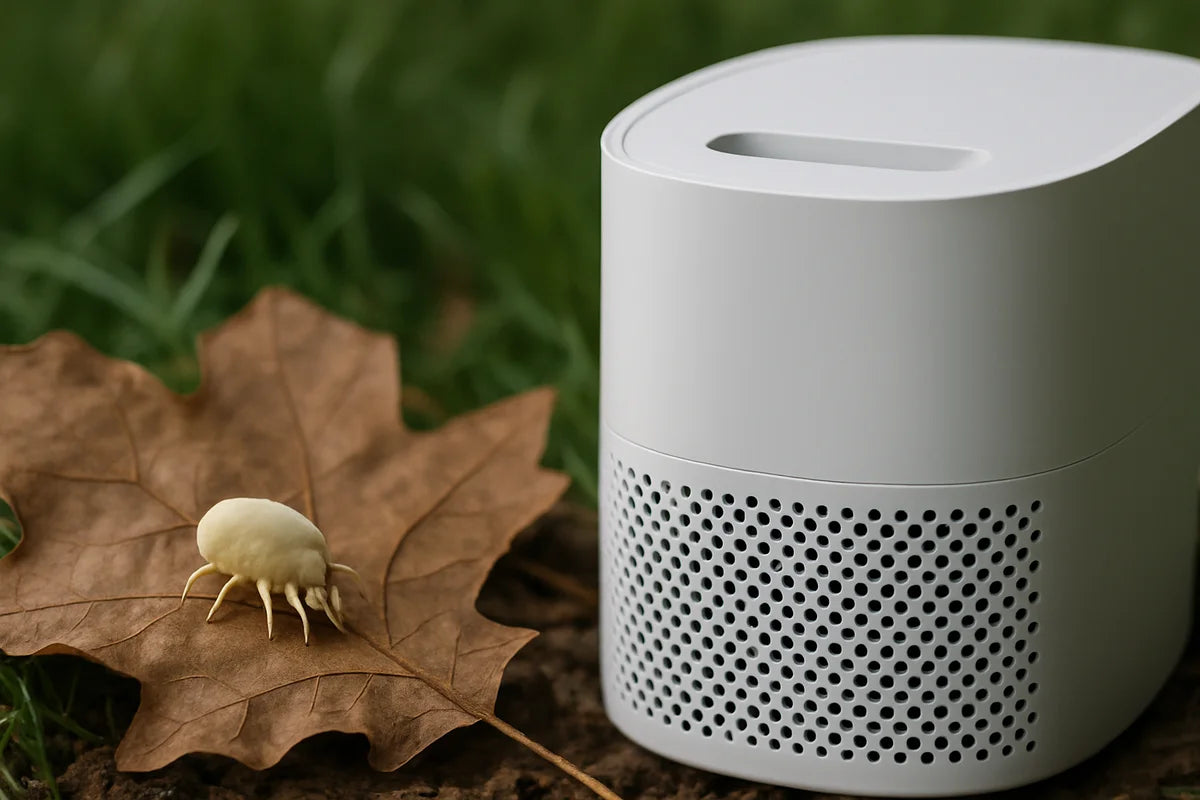
If you live near traffic, deal with wildfire smoke, or share space with pets, a portable air cleaner can help. Look for a true HEPA unit sized for your room. Size matters more than brand names.
A practical way to compare models is to look at CADR (clean air delivery rate). The Association of Home Appliance Manufacturers explains CADR and how it relates to room size on its AHAM CADR resource.
- Put the air cleaner close to where you sit, not hidden under a desk.
- Run it on a higher setting during meetings, vacuuming, or heavy cooking.
- Change filters on schedule. A clogged filter turns a good unit into a noisy fan.
Keep humidity in the “human comfort” zone
Air that’s too dry can irritate eyes and skin and make your throat feel rough. Air that’s too humid can feed mold and dust mites. Most homes feel best around 30-50% relative humidity, though the right target depends on your climate and season.
The U.S. Environmental Protection Agency has clear guidance on moisture control and mold prevention in its mold resources.
- If humidity drops low in winter, a small humidifier near your desk can help.
- If humidity stays high, run a dehumidifier or improve bathroom and kitchen ventilation.
- Buy a cheap hygrometer so you stop guessing.
Light your work so your brain doesn’t fight you

Lighting shapes focus, energy, and sleep. Too dim and you’ll feel sluggish. Too harsh and you’ll squint. Bad screen glare can also push you into awkward posture, which turns into pain.
Use daylight, but control glare
Place your screen at a right angle to windows when you can. If the window sits behind you, your screen reflects light. If it sits behind your screen, you’ll strain your eyes.
- Use sheer curtains or blinds to soften hard sunlight.
- Work near a window for part of the day, even if you move later.
- If you can’t avoid glare, tilt your monitor slightly and raise brightness a bit.
Match your task lighting to the work
A desk lamp helps more than a brighter ceiling light. Aim it at your keyboard and paper, not your eyes. If you do calls all day, add a soft light in front of you so your face isn’t a shadow on camera.
If you want a simple rule that protects sleep, follow the idea of bright days and dim evenings. The National Sleep Foundation explains how light affects sleep and daily rhythm on its light and sleep guide.
Ergonomics that don’t require a fancy chair
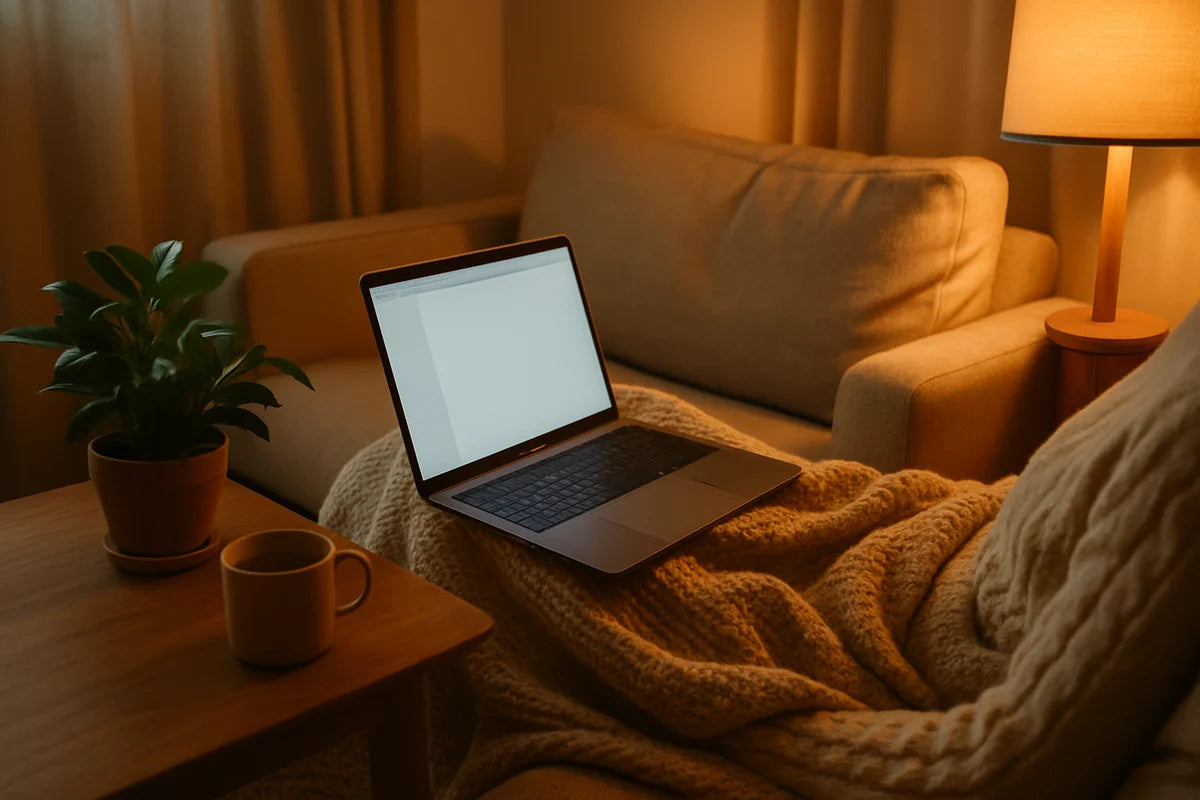
A healthy indoor environment for remote work includes your setup. Air and light won’t matter much if you hunch over a laptop for eight hours.
Fix the laptop trap
Laptops push your head down and shoulders forward. The quickest upgrade is to separate screen and keyboard.
- Raise the laptop on books or a stand so the top of the screen sits near eye level.
- Add an external keyboard and mouse, even cheap ones.
- Sit back so your chair supports you, not the edge of the desk.
Use simple body cues instead of perfect angles
Forget “ideal posture.” Use these checks:
- Your feet rest flat on the floor or a stable footrest.
- Your elbows hang close to your sides and bend around 90 degrees.
- Your shoulders feel heavy and relaxed, not lifted.
- Your screen sits far enough away that you don’t lean in to read.
For a solid overview of workstation setup, Cornell University’s ergonomics program shares practical guidance in its ergonomics resources.
Make movement part of the room, not a willpower test
People don’t “forget” to move. The room makes it easy to stay still. Change the defaults.
- Put your printer, notebook, or water across the room so you stand up often.
- Take calls standing or pacing, even if it’s just in place.
- Set a timer for 45-60 minutes and do a 60-second reset when it goes off.
Need ideas for short breaks that actually help? The Mayo Clinic offers simple, realistic advice on staying active at work in its office exercise tips.
Sound and stress go together more than you think
Noise isn’t just annoying. It drains attention and increases fatigue. A healthy indoor environment for remote work should include a sound plan, especially if you share walls, live near traffic, or have kids at home.
Reduce echo first, then block noise
Hard surfaces bounce sound. Soft surfaces absorb it. Before you buy anything, look around.
- Add a rug if your floor is bare.
- Hang thicker curtains if the room echoes.
- Put a bookshelf behind you to break up sound and help calls feel clearer.
Use “sound masking” when you can’t get quiet
Sometimes you can’t stop the noise. You can cover it with steadier sound.
- Try a white noise app or a small fan.
- Use noise-canceling headphones for deep work blocks.
- Set a shared schedule at home for loud tasks when possible.
Cleanliness that supports health without harsh smells
A clean office helps allergies and focus, but strong cleaning scents can irritate lungs and trigger headaches. Aim for “low drama” cleaning: frequent, light, and targeted.
Dust and vacuum with a plan
- Dust with a damp cloth so you pick up particles instead of spreading them.
- Vacuum weekly, more if you have pets. A HEPA vacuum helps if allergies hit hard.
- Wash throws and cushion covers now and then. They hold dust.
Watch the hidden sources of indoor pollution
- Don’t idle a car in an attached garage. Fumes can seep indoors.
- Store paints, solvents, and strong cleaners outside the main living area when possible.
- If you buy new furniture with a strong odor, air it out in a ventilated space first.
Plants, scent, and the small choices that add up
Houseplants look nice and can boost mood, but don’t expect them to replace ventilation or filtration. Use them for comfort, not as your main air plan. Pick easy plants you’ll keep alive, and don’t overwater. Damp soil can attract mold gnats.
Scented candles and oil diffusers can also affect indoor air. If you love them, use them sparingly, ventilate, and pay attention to how your body reacts. If you notice headaches or throat irritation, skip scents during work hours.
A simple checklist for a healthier home office this week
If you want results fast, don’t try to fix everything at once. Do a short sweep, then improve one area per day.
- Ventilate your workspace for 5-10 minutes twice a day.
- Move your screen to reduce glare from windows or lights.
- Raise your laptop and add an external keyboard and mouse.
- Measure humidity with a hygrometer and adjust if needed.
- Add one sound fix: a rug, curtains, or a white noise option.
- Clean the “dust traps” near your desk: vents, baseboards, and the back of your monitor.
Where to start if you’re on a tight budget
You can create a healthy indoor environment for remote work with almost no spend. Prioritize changes that reduce strain and improve air.
- Free: open windows, clear vents, change your seating position, take stand-up calls.
- Under $30: a hygrometer, a better desk lamp bulb, a basic external mouse.
- Under $100: keyboard and mouse combo, simple monitor riser, thick curtains from a discount store.
- Higher impact buys: a properly sized HEPA air cleaner if you have allergies or smoke exposure.
The path forward for your next workday
Don’t wait for the perfect setup. Pick one friction point that shows up every day: stale air, screen glare, a sore neck, or constant noise. Fix that first, then build from there.
If you want a clear next step, do this tomorrow morning: air out the room, set your screen height, and put water across the room so you have a reason to stand up. Those three moves cost nothing, and they change how the whole day feels.