Strategies for Creating a Zen Workspace (That Still Gets Work Done)
A zen workspace isn’t about turning your desk into a spa. It’s about making a place where your brain can focus without fighting clutter, glare, noise, and a dozen tiny annoyances. When your space feels calm, you waste less energy. You make better choices, switch tasks less, and end the day with more left in the tank.
This guide covers practical strategies for creating a zen workspace at home or in an office. You’ll find simple upgrades, low-cost fixes, and a few deeper changes if you want them.
What a “zen workspace” really means

Let’s keep it plain. A zen workspace supports three things:
- Clarity: you can see what you need and find it fast
- Comfort: your body doesn’t ache or tense up
- Control: you can shape light, sound, and distractions
You don’t need a perfect setup. You need a space that removes friction. Start there.
Start with a reset: clear, sort, and set boundaries

Do a five-minute surface sweep
If your desk is covered, everything else feels harder. Set a timer for five minutes and do one pass:
- Trash out
- Dishes out
- Loose papers into one stack
- Random objects into a “decide later” box
This isn’t deep cleaning. It’s clearing the runway.
Use three zones: work, tools, and storage
A zen workspace gets messy when every item competes for the same space. Set up three zones:
- Work zone: the clear area in front of you where you type and write
- Tool zone: the items you touch often (pen, notebook, headset)
- Storage zone: everything else, kept off the main surface
If you don’t have drawers, add a small tray, a vertical file holder, or a shelf. The goal is simple: your hands should land on empty desk, not clutter.
Set a “closing routine”
Want your zen workspace to stay calm? End each day with a two-minute reset:
- Put tools back in their home
- Write tomorrow’s top three tasks on paper
- Clear your work zone
This gives you a clean start and cuts the urge to “just check one more thing” at night.
Light: reduce strain and sharpen focus

Bad lighting makes a workspace feel harsh even when it’s tidy. It also strains your eyes and can trigger headaches.
Place your screen to avoid glare
If you work near a window, set your monitor at a right angle to it. When the window sits right behind or in front of your screen, you’ll fight glare all day. Close a sheer curtain if needed, but try not to block daylight entirely.
Add a task lamp with warm, even light
Overhead lights can feel sharp. A desk lamp helps you aim light where you need it. Look for a lamp that diffuses light (no bare bulb in your eyes) and gives an even pool across your desk.
If you want guidance on office lighting levels and glare control, the NIOSH ergonomics resources include practical basics that apply to most work setups.
Use screen breaks that actually work
Eye breaks don’t need a complex system. Try the 20-20-20 rule: every 20 minutes, look at something 20 feet away for 20 seconds. The American Academy of Ophthalmology’s guidance on digital eye strain explains why it helps and what else to tweak.
Ergonomics: make your body feel safe
A calm mind is harder to find when your shoulders creep up and your wrists ache. Ergonomics doesn’t have to be expensive. It has to fit you.
Get the chair and desk relationship right
Use these quick checks:
- Your feet rest flat on the floor (or a footrest)
- Your knees sit about level with your hips
- Your elbows bend around 90 degrees when you type
- Your shoulders stay down, not shrugged
If your chair is too high, add a footrest (even a sturdy box works). If your desk is too high, raise your chair and use a footrest.
Raise your monitor to reduce neck tension
The top of your screen should sit near eye level. If you use a laptop, consider a stand plus an external keyboard and mouse. A stack of books can work fine if you’re not ready to buy gear.
For a clear overview of workstation setup, Cornell University’s ergonomics tips are easy to follow: Cornell’s Ergonomics Web.
Build “micro-movement” into your day
Zen doesn’t mean still. Stillness can turn into stiffness. Add movement that doesn’t break your flow:
- Stand for phone calls
- Do 10 shoulder rolls after sending a batch of emails
- Keep a water bottle that forces a refill trip
These tiny resets help your body settle, which helps your mind settle.
Sound: lower the stress without total silence
Noise is one of the fastest ways to wreck a zen workspace. The tricky part is that “quiet” means different things to different people.
Pick your sound strategy: block, cover, or shape
- Block: earplugs or noise-canceling headphones
- Cover: steady background sound (fan, white noise, soft music)
- Shape: rugs, curtains, and soft materials to cut echo
If you share space, cover noise with something neutral. White noise can help mask voices without pulling your attention. For practical guidance and examples, the Sleep Foundation has a solid overview of how white noise works and when to use it.
Set a simple boundary signal
In a shared home or office, interruptions often come from confusion, not malice. Try one clear signal:
- Headphones on means “don’t interrupt unless it’s urgent”
- A small desk sign during focus blocks
- A shared calendar slot labeled “deep work”
Keep the rule friendly and consistent. A zen workspace needs social clarity as much as physical order.
Air and scent: the invisible parts of calm
Stuffy air makes you feel dull. Strong scents can distract or irritate. Aim for clean, light, and neutral.
Ventilate when you can
Open a window for 5 to 10 minutes if weather and safety allow. If you can’t, run a fan or an air purifier. The EPA’s indoor air quality guidance covers practical steps and common pollutants, especially useful if you work in a small room.
Be careful with fragrance
A little scent can feel pleasant. A lot can feel like a foghorn. If you use a diffuser, keep it mild and choose one scent at a time. If you share space, skip fragrance and focus on clean air instead.
Visual calm: reduce “attention clutter”
Even when your desk is clean, your eyes can still feel busy. Too many colors, cords, and piles create low-grade stress.
Hide cords and small tech
Cords are visual noise. You don’t need a full cable management kit. Try:
- One power strip mounted under the desk (or taped to the back)
- Cable clips to guide charging cords
- A small box to hide the power strip and extra length
Also consider what can leave the desk: spare chargers, old dongles, and backup gear can live in a labeled bin.
Choose a simple color plan
A zen workspace feels easier when the visual palette is limited. Pick two base colors (like white and wood, or black and gray) and one accent color. Use that accent for one or two items only, like a notebook or mug.
Keep one “quiet” spot in view
Your eyes need a rest point. Create one calm area you can glance at between tasks:
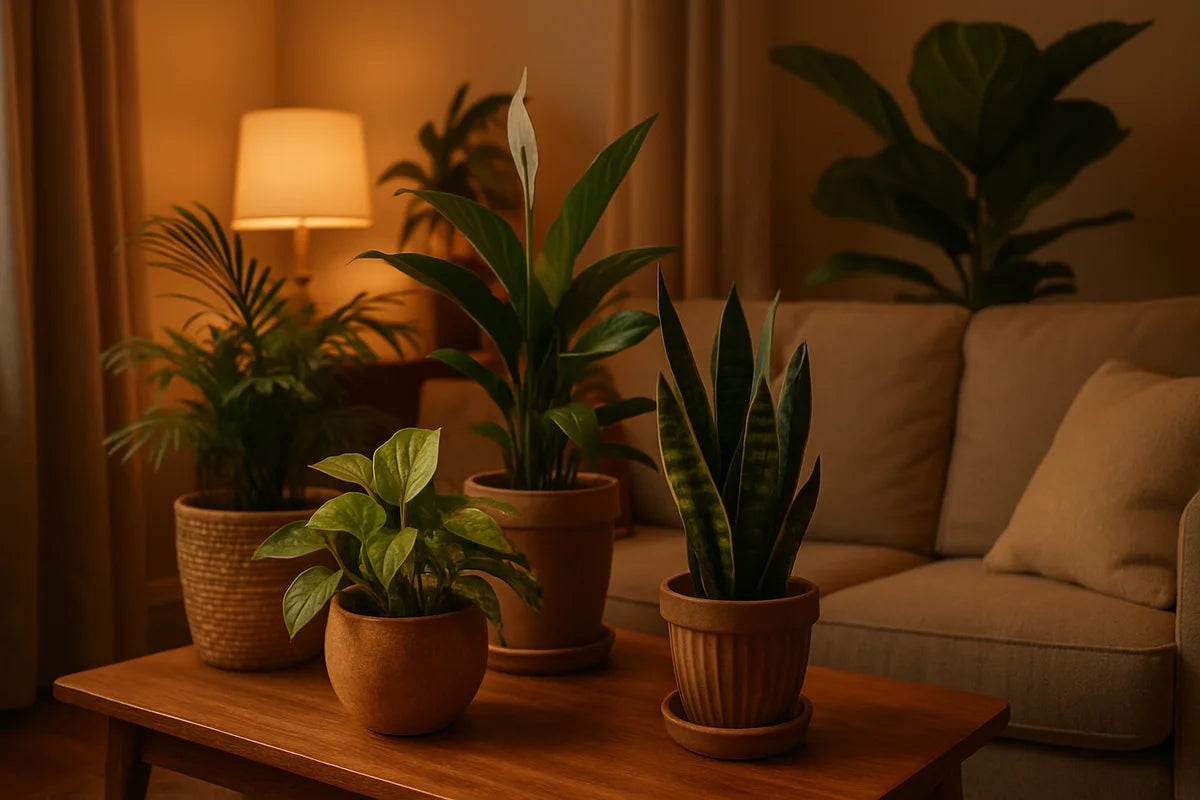
- A small plant
- A plain wall section
- A single photo that makes you feel steady
This sounds minor, but it helps when your brain starts to buzz.
Digital clutter: the desk you can’t see
A zen workspace includes your screen. If your desktop looks like a junk drawer, your attention will jump around.
Clean your desktop and downloads folder
Set up a simple file structure:
- Projects (active work)
- Admin (invoices, forms, HR)
- Reference (docs you keep)
- Archive (finished work)
Then clear your desktop. Keep only what you use daily, and pin it.
Tame notifications instead of chasing focus
Turn off anything that isn’t urgent. Leave on:
- Calendar alerts (if they help you show up on time)
- Direct messages from key people (if your role demands it)
- Security alerts
Batch the rest. Check email at set times. Your zen workspace won’t feel zen if your screen keeps shouting at you.
Use a focus timer that feels humane
Some people love Pomodoro. Others hate the pressure. Experiment:
- 25 minutes work, 5 minutes break
- 45 minutes work, 10 minutes break
- 90 minutes work, 15 minutes break
If you want a simple, free tool for time blocks, try Pomofocus. If you prefer a quieter approach, use a basic phone timer and keep it out of sight.
Add nature without turning your desk into a greenhouse
Nature helps many people feel calmer and more alert. You don’t need a plant wall. One easy plant can shift the mood of a whole desk.
Pick a low-fuss plant
- Snake plant
- Pothos
- ZZ plant
Place it where it won’t block your screen or steal your work zone. If you want care basics that won’t overwhelm you, the University of Minnesota Extension houseplant guides are clear and practical.
Use natural materials where your hands go
Texture matters. If your workspace feels cold, add one natural element:
- A cork desk mat
- A wooden tray
- A cotton throw on your chair
Keep it simple. One or two items work better than ten.
Make it personal, but not distracting
A zen workspace should feel like yours. The risk is overdoing it with decor that turns into clutter.
Try the “one shelf rule”
If you like books, art, or collectibles, limit them to one shelf or one corner. That gives you personality without spilling into your work zone.
Keep meaning close, not noise
Choose items that settle you, not items that ask for attention. A single photo, a small object from a trip, or a quote you wrote by hand can work. Skip anything that sparks guilt or “I should…” energy.
Simple layouts for common spaces
Small desk in a bedroom
- Use a screen or curtain to separate sleep and work
- Store work tools in a box you can close at night
- Use warm lighting in the evening to help your brain wind down
Kitchen table setup
- Keep a portable “work kit” in a tote (charger, notebook, headset)
- Use a placemat or desk mat to mark your work zone
- Reset the table after each session so the space stays flexible
Open office
- Use headphones and a clear boundary signal
- Keep your desk mostly empty so it feels calm even when the room doesn’t
- Put one soothing item in your line of sight to counter visual noise
Conclusion: a zen workspace is a set of habits
The best strategies for creating a zen workspace aren’t fancy. They’re repeatable. Clear your surface, shape your light and sound, and set your body up for comfort. Then keep it that way with a short daily reset.
Start small: pick one change you can do in 15 minutes. Once your space feels calmer, your work often follows.